Pada snippet kali ini kita akan membuat efek pada image. Anda dapat gunakan image sendiri atau dapat gunakan image tutorial.
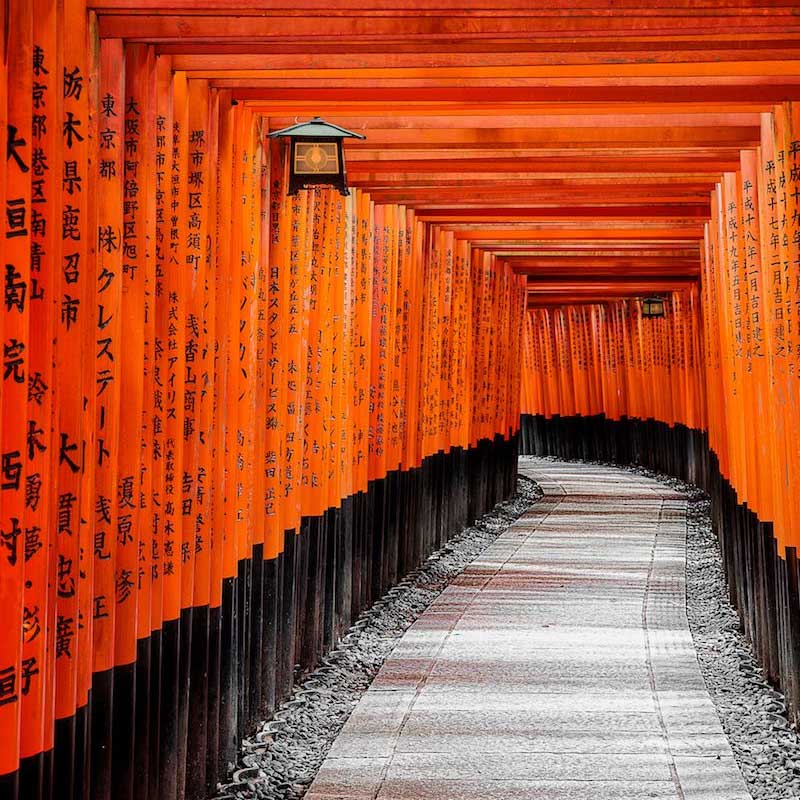
<div class="container">
  <img src="https://skillplus.web.id/wp-content/uploads/2021/10/japan-shrine-path.jpg">
  <div class="caption">
    <h1>amazing caption</h1>
    <p>you can write anything here!</p>
  </div>
</div>
body {
	height: 100vh;
	display: flex;
	justify-content: center;
	align-items: center;
	font-family: 'Lato', sans-serif;
}

.container {
	width: 500px;
	height: 500px;
	position: relative;
	overflow: hidden;
}

.container img {
	width: 100%;
	transition: all .5s;
}

.caption {
	position: absolute;
	top: 0;
	left: 0;
	height: 100%;
	width: 100%;
	display: flex;
	flex-direction: column;
	justify-content: center;
	align-items: center;
	color: white;
	transition: all 0.5s;
	transform: translateY(-100%);
}

.caption h1 {
	text-transform: uppercase;
	margin: 0;
}

.caption p {
	font-size: 18px;
	text-transform: capitalize;
}

.container:hover .caption {
	background-color: rgba(0,0,0,0.5);
	transform: translateY(0);
}

.container:hover img {
	transform: scale(1.3) rotate(-15deg);
}